Was tinkering with scripting in KS and ended up making one which IMO is spectacular.
Thanks to Will Gibbons for encouraging me to share it here.
No authorization to send the script itself here, but you can follow the instructions here.
keyshot_polygon_region_paste.txt (21.2 KB)
You know how Region render is stuck on rectangles? In my line of work I’m making edits all the time and I use region for most of them, but I got frustrated rendering so much area I don’t need, KeyShot only does regions as rectangles, one at a time.
So, with Claude’s help, I vibe-coded a KeyShot script that lets you make polygonal-lasso selections around exactly what you need to edit and not just one, but multiple at a time. It then renders them and composites everything back into your full-frame render automatically (saves a copy, of course). All inside KeyShot, no Photoshop. Already useful for GPU rendering, and a big deal for CPU rendering!
Screenshots below
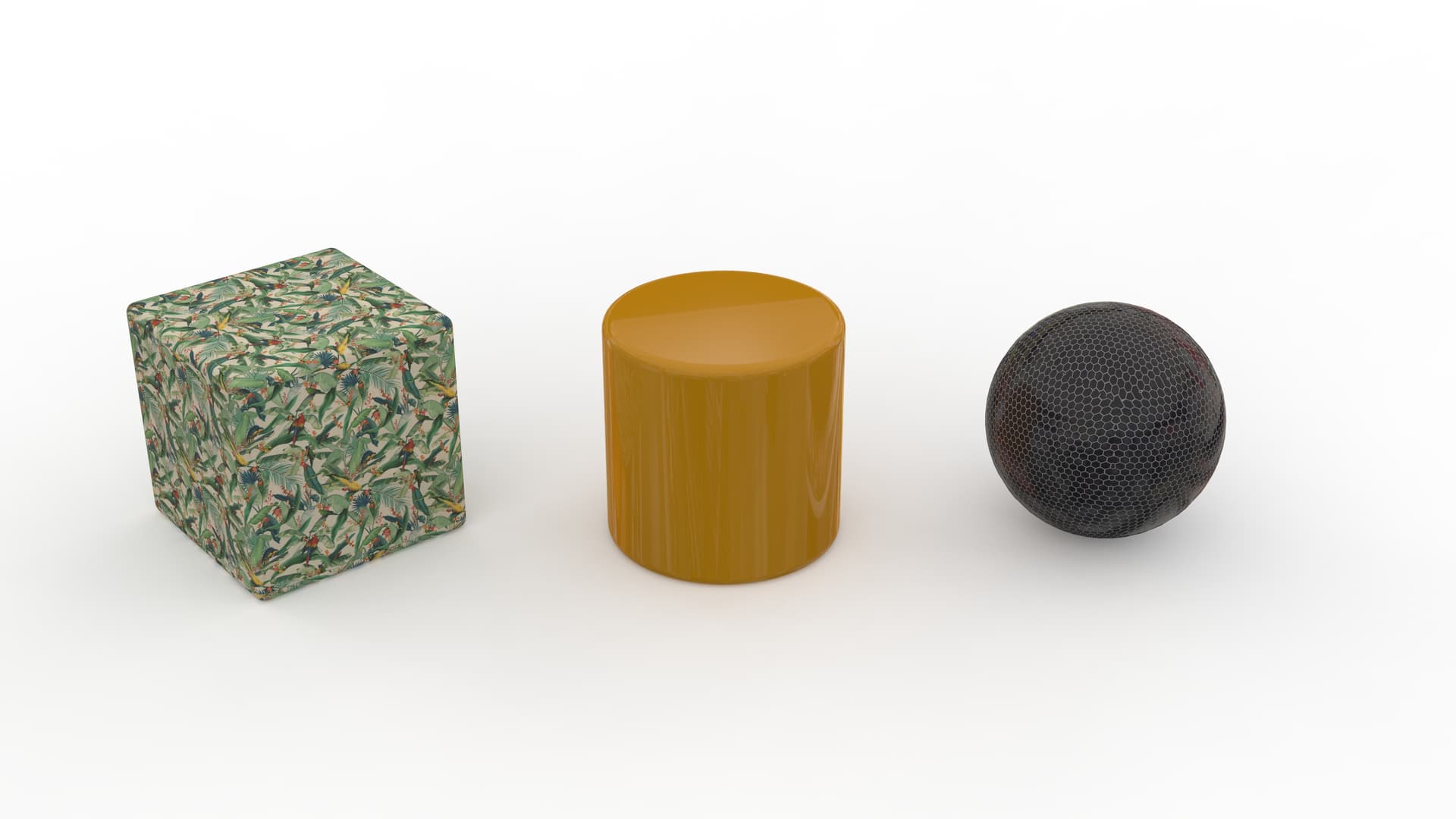
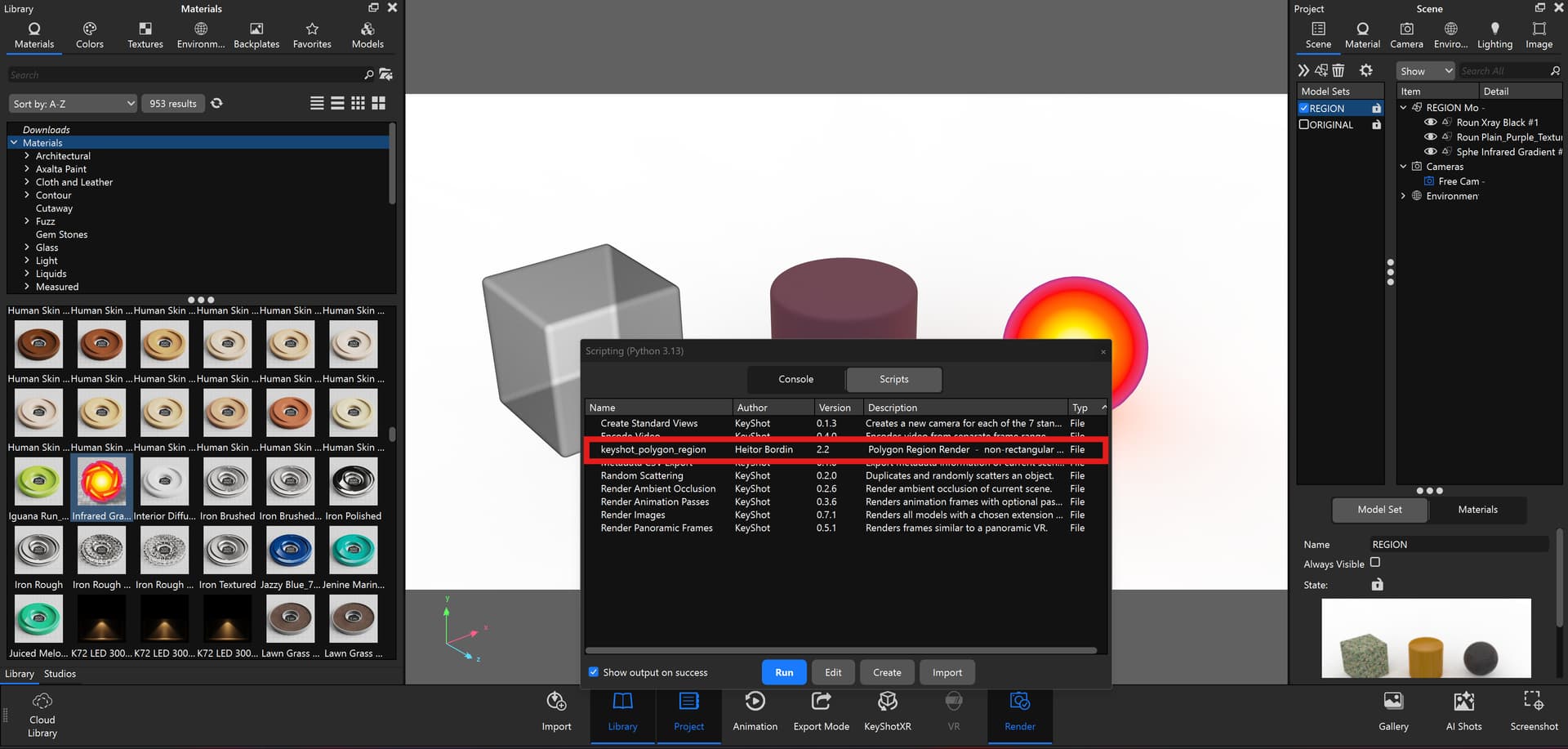
This would be the final render you would want edited. Let’s change the material from this 3 non-rectangular shapes
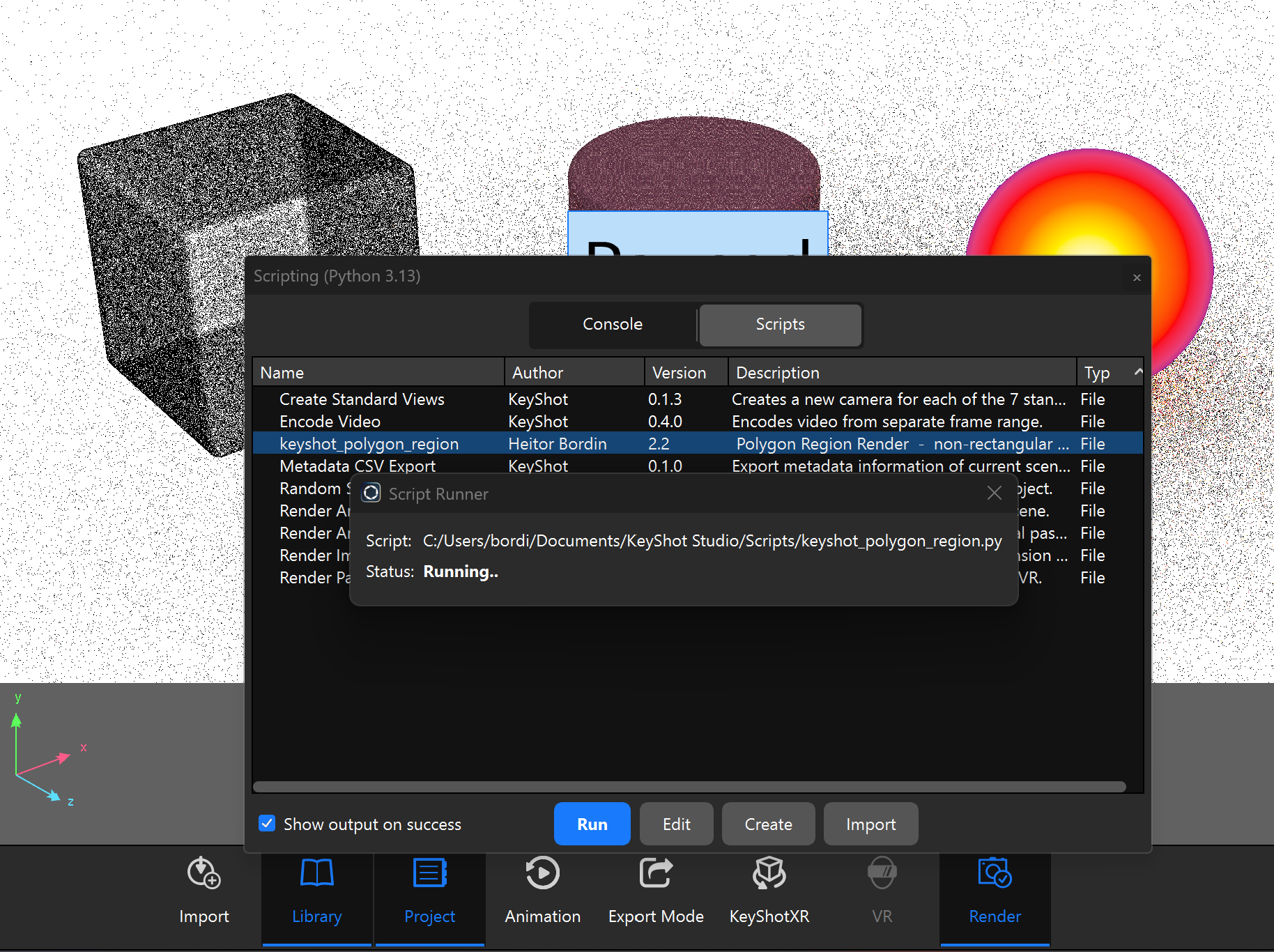
Open the script
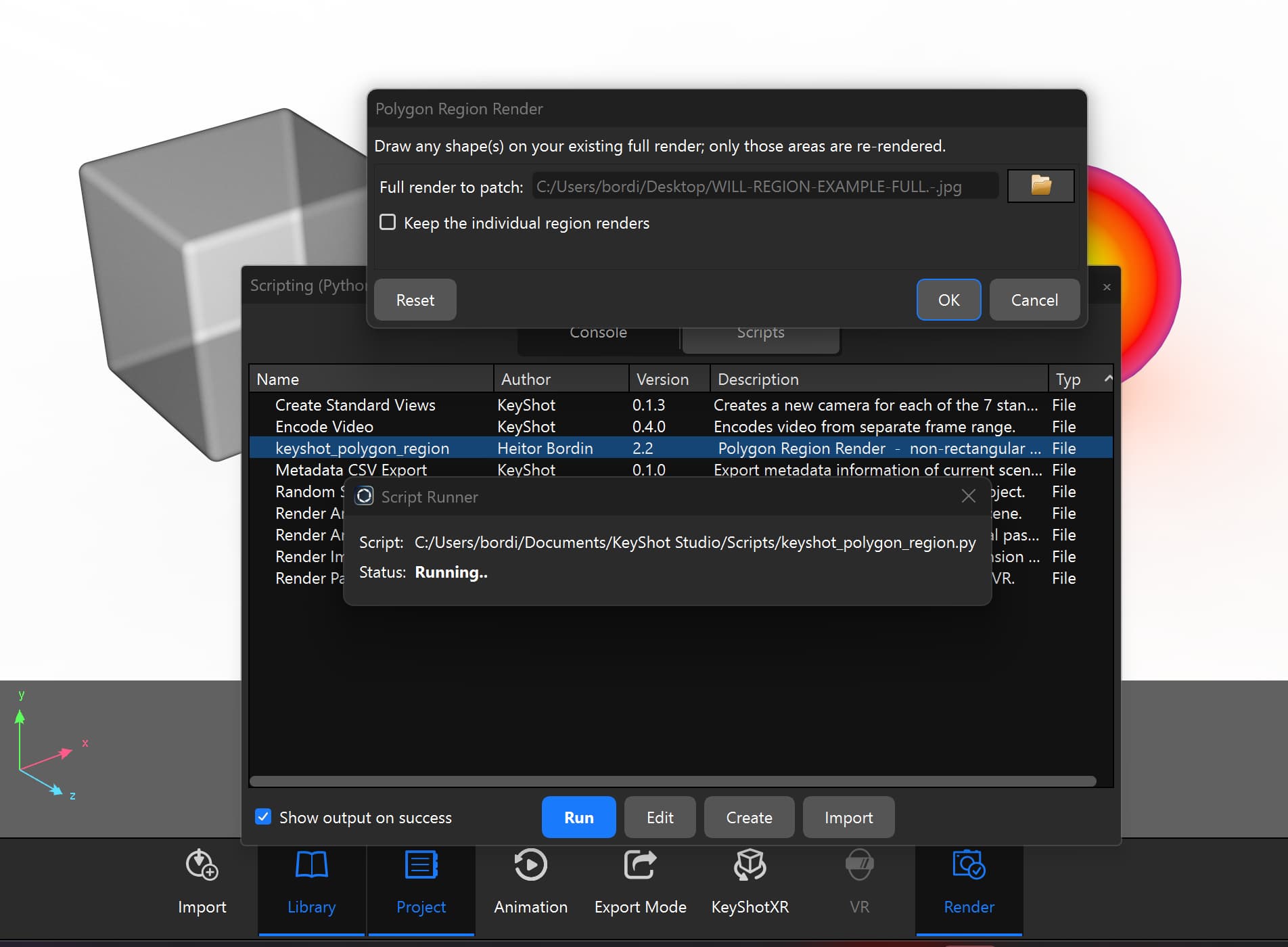
Select your image
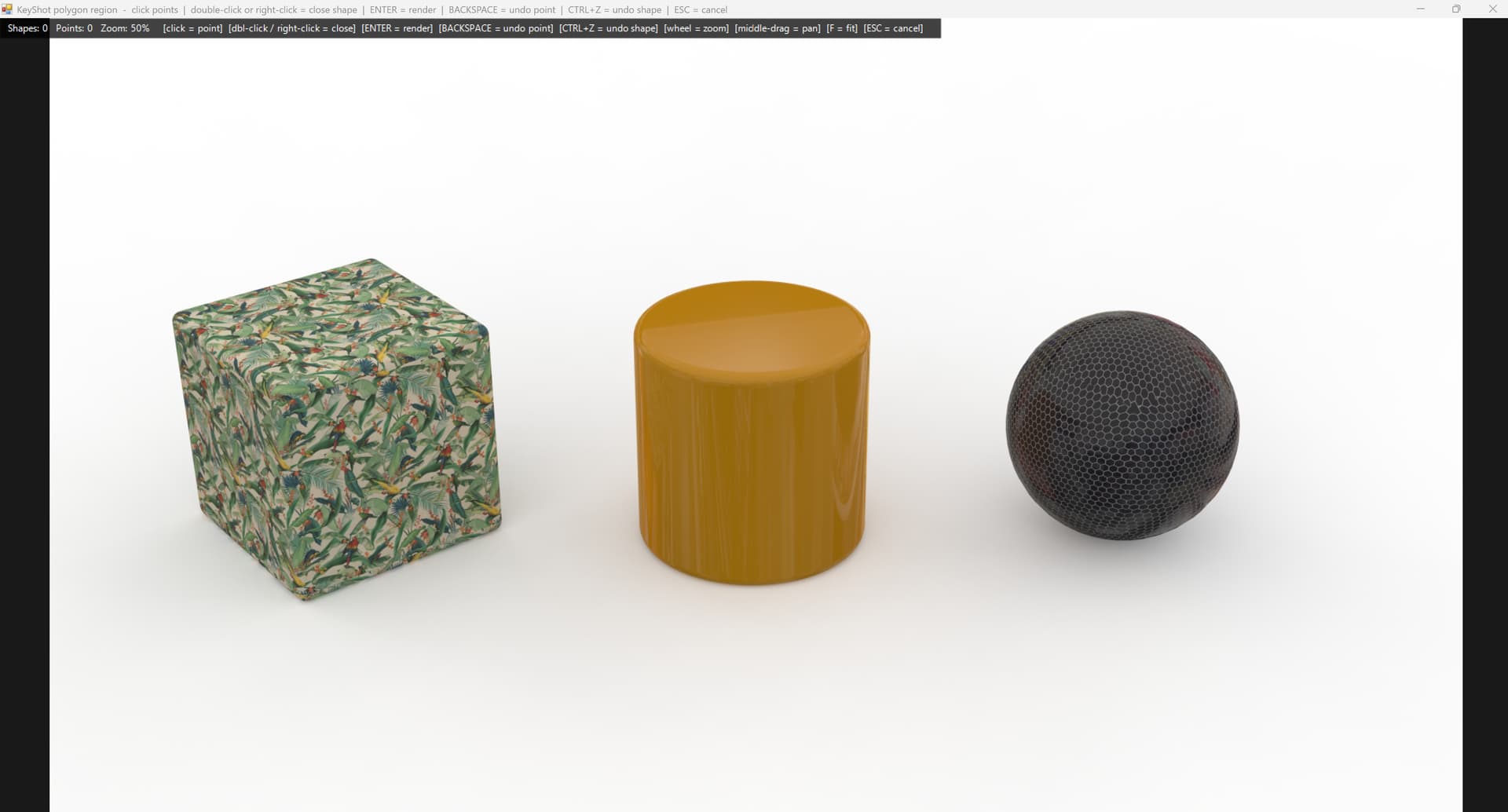
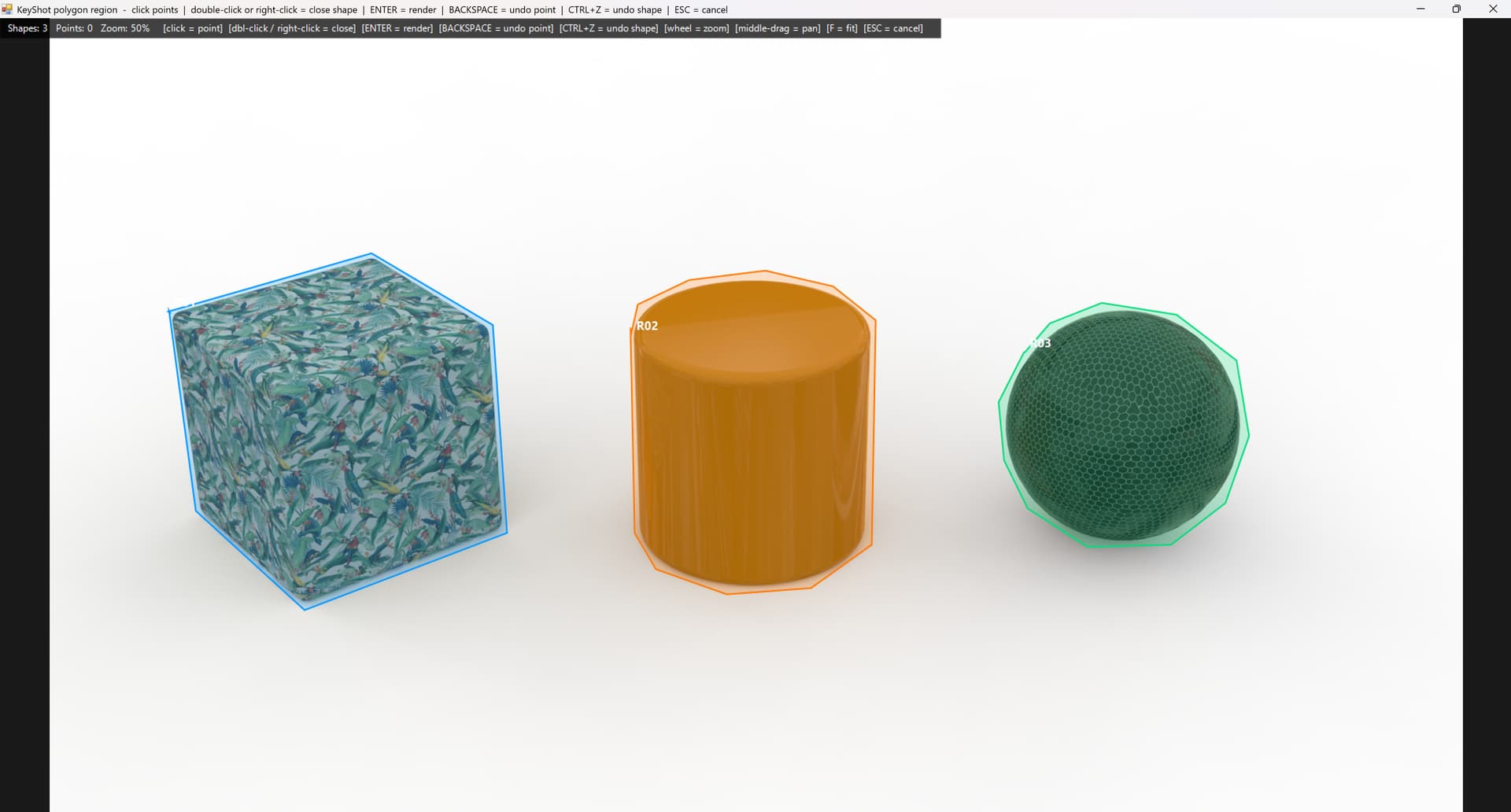
A window will pop up and then you just draw around the object, polygonal-lasso style
3 regions here on the same render at the same time, close to whatever shape you have, not a rectangle
Enter and it starts rendering, no render progress windows unfortunately
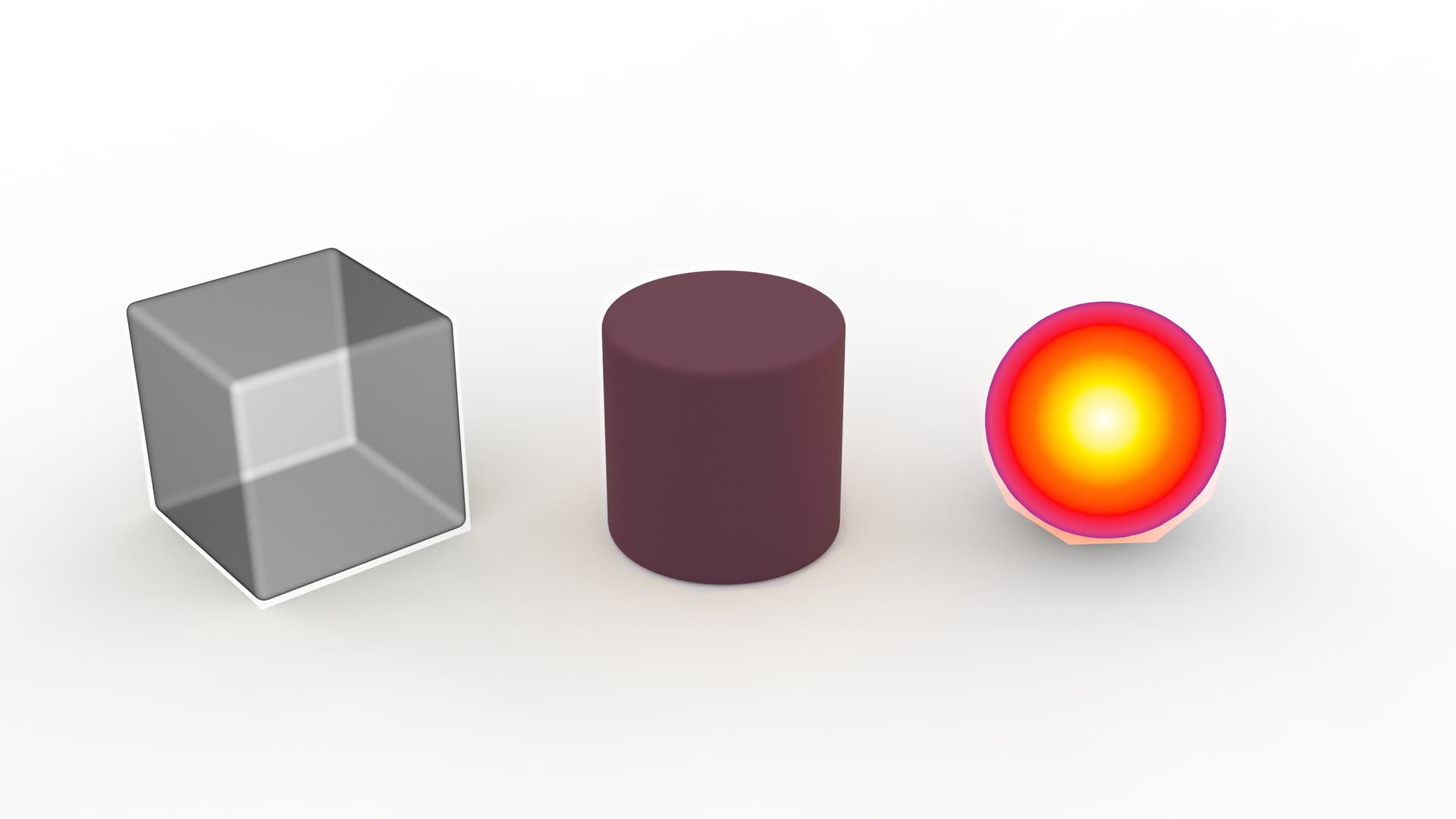
Boom
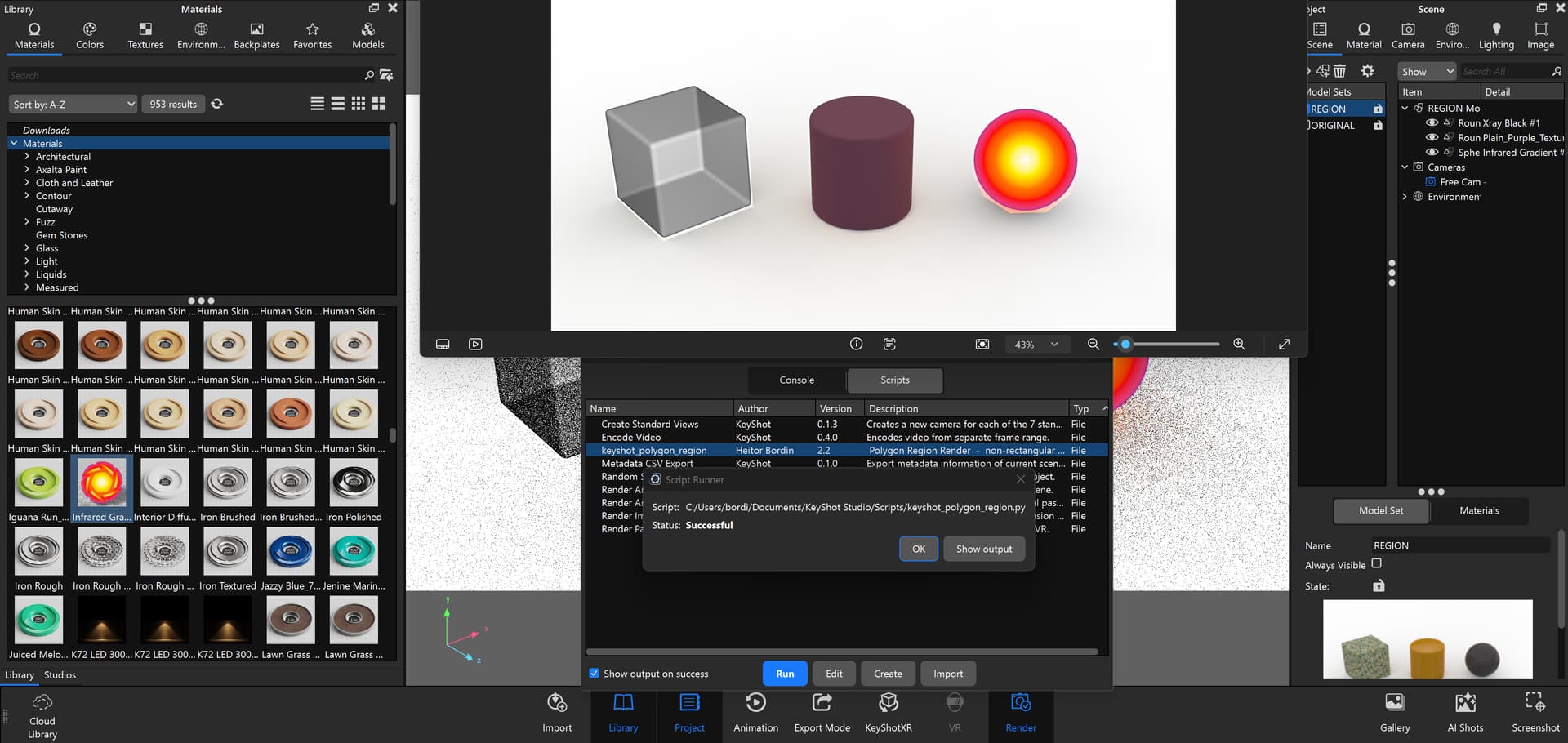
And it saves as image_COMPOSITED and opens
Hope someone finds it useful!
1 Like
HOLY CRAP!!! This is exactly what keyshot scripting should be geared towards! I tried coding a script in chatgpt like a year ago, and it was worthless, could NOT get it to work, but recently I’ve been coding scripts and plugins for Cinema 4d and its working better than ever. I will try to jump back into scripting for keyshot too, as there are a LOT of little user things like this that would be awesome to open up. For my stuff this sort of thing was always fixed by masking and painting masks in photoshop, so while not a huge deal, this just helps remove that step.
Excellent job! I’m downloading and will give it a try! We need to have a thread for sharing scripts now too that its getting easier to code them.
Did you set up an agent or a custom GPT to do this? I had tried to setup a custom GPT, had all the links to the keyshot scripting help pages ingested, and all that then my company disabled all custom non-approved GPT’s, so I sorta gave up.
1 Like
Hi Matt!! Thanks for replying and making it reach more people! I am happy that you could make some scripts yourself to help speed up your work
I too made another script that auto-crops and composites regions in Photoshop but I was still stuck making region rectangles for non-rectangles things, and costing me time since I like to render in 8-14K, so this made it much faster to edit my renders.
No custom GPT, used Claude Opus 5.1, it was literally just like 5 prompts and it was completely ready. Absolutely insane.
Forgot to instruct better, the .txt file should be renamed to .py for it to work !
Also Windows-only!!
This is a great idea  I can definitely create a scripting category!
1 Like
I created a Scripting category and moved this thread there for future reference!
1 Like
Very cool! I’ve definitely had to brute force some non-rectangular regions before by making tiny sections, this would save a ton of time in composite.
1 Like
That’s so cool Maura, thanks for that.
This is really good idea. Before, when I was using keyshot daily, I was wondering if I could choose the region render selection according to the contour of the object. You are one step close to what I thought.
Thanks for sharing.
1 Like